
| Bookmark Name | Actions |
|---|
Installing Metering Microservice in Docker
This section helps you to install the Metering Microservice in Docker.
Procedure:
- Install Docker Engine in your deployment environment from the Docker Engine site.
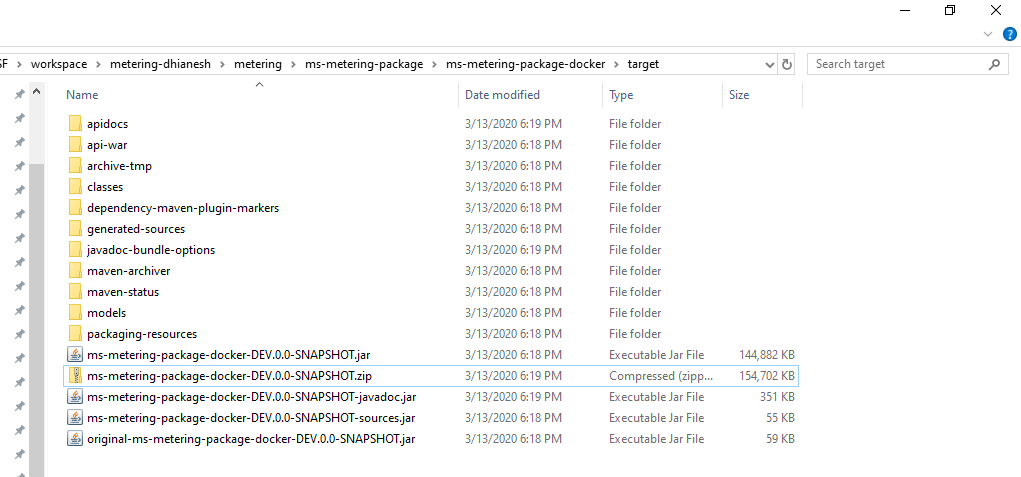
- Extract the zip file (from the target folder) in the installation directory.
- Open a command prompt in the same location.
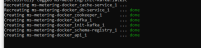
- To run the microservice, execute the following command for creating images and docker container for that image.
- For Windows: ms-metering.bat up --build -d
- For Linux : ms-metering.bat up --build -d
- To stop and remove the existing container, execute the following command.
- For Windows: ms-metering.bat down
- For Linux: ms-metering.bat.sh down
Add Bookmark
save your best linksView Bookmarks
Visit your best links BACK
BACK


Are you sure you want to log-off?